
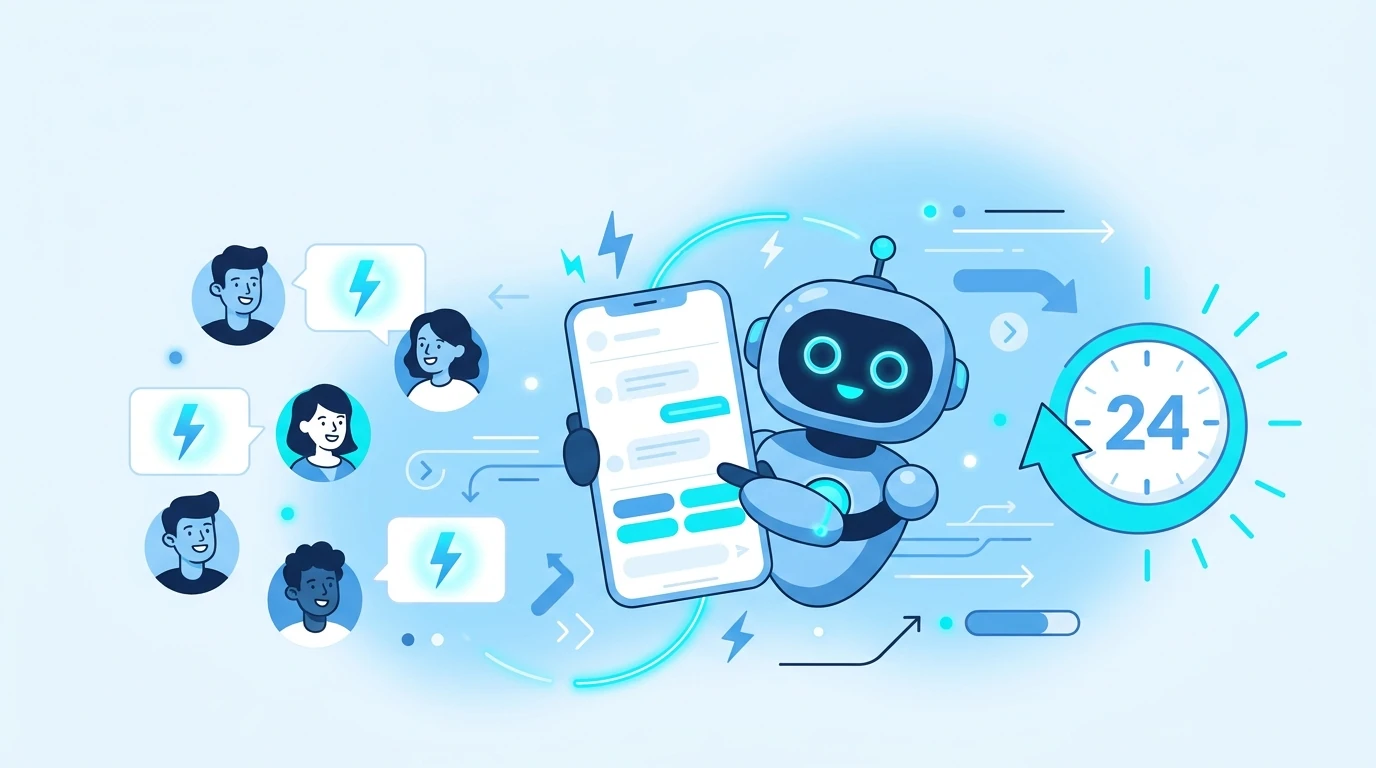
A WhatsApp chatbot is a program that answers conversations automatically, with fixed rules or with artificial intelligence, inside the app your customers already use. Done right, it handles repetitive questions around the clock, qualifies people who are ready to buy, and lets your human team focus on what really needs a person. In this guide you will see the main types, what each is good for, use cases by industry, what it costs to run, how to set one up step by step with the official WhatsApp Business API, and the most common launch mistakes.
What a WhatsApp chatbot is
A WhatsApp chatbot is an automated conversation flow that lives on your WhatsApp Business number and answers incoming messages without someone typing every reply. There are two ways to build one:
- Rule-based: follows decision trees with buttons, lists, or keywords (“reply 1 for sales, 2 for support”). It is predictable and easy to audit, but it only understands the options you programmed.
- AI-based: uses natural language processing to understand what the customer wants even when they use their own words, keeps the context of the conversation, and can answer open questions in your brand’s voice.
Most businesses end up combining both: clear rules for critical flows (hours, location, order status) and AI for everything a menu cannot anticipate. If you plan to pair it with a human team, the foundation is a WhatsApp CRM where every conversation is logged with its history.
What a WhatsApp chatbot is good for
The benefits repeat across every industry that sells and supports on this channel:
- 24/7 availability: it answers after hours without anyone on the team logged in.
- Faster response times: first contact is instant, even during demand spikes.
- Consistency: the same question gets the same quality answer no matter who is on shift.
- Scale: it handles hundreds of conversations at once without growing the team.
- Lead qualification: it separates people ready to buy from people just browsing before an agent steps in.
- Actionable data: every conversation leaves a record of common questions, objections, and products of interest.
Use cases by business type
The flow changes by industry, but the logic stays the same: automate the repetitive and escalate to a person whatever needs judgment.
| Industry | What the chatbot automates |
|---|---|
| Ecommerce | Product catalog, order and shipping status, abandoned cart reminders, payment confirmation |
| Clinics and healthcare | Booking and confirming appointments, reminders, FAQs about hours and specialties |
| Real estate | Qualifying buyers by budget and area, sending property listings, scheduling visits |
| Education | Course information, class reminders, enrollment, prospect follow-up |
| Insurance | Initial quotes, coverage FAQs, routing to an advisor to close |
| Events | RSVP confirmation, sending tickets or access details, support during the event |
How to set up a WhatsApp chatbot step by step
- Define the goal of the flow: do you want to answer FAQs, qualify leads, handle post-sale support, or all three? A flow that tries to do everything at once ends up confusing the user.
- Connect to the official WhatsApp Business API: the WhatsApp Business app on its own only offers greeting messages, away messages, and basic quick replies, with no real conditional logic. For a chatbot with flows, AI, and reporting, you need a platform connected to the official API. If you use Mercately, follow the tutorial to connect the WhatsApp Business API to Mercately.
- Design the conversation in a no-code visual builder: map the most frequent questions, the answers, the buttons, and the point where the flow should transfer to a human agent. Start with the flow that shows up most in your inbox and add branches only once the first one works.
- Create and submit your message templates for approval: any message your business starts (outside the 24-hour window of an active conversation) needs a Meta-approved template.
- Decide what activates each flow: a first message, a keyword, an Instagram comment, or a stretch of time without a reply. We cover this in detail in our guide to chatbot triggers in Mercately.
- Set handoff rules: decide what triggers a transfer (a keyword, an intent the bot does not recognize, an explicit request from the customer) and which agent or team receives it.
- Measure and adjust: review which questions the bot could not answer and which conversations ended unresolved, and use that to improve the flow every week.
Best practices so your chatbot does not sound robotic
- Be upfront in the greeting: something like “Hi, I’m the virtual assistant for [your brand]” keeps customers from feeling misled.
- Personalize with the data you already have: using the customer’s name or order history makes the conversation feel closer.
- Design clear menus: few options per message, simple language, no technical jargon.
- Mix text with buttons, lists, and images: it breaks up walls of plain text and guides choices better.
- Always leave a way out to a human: no conversation should get stuck in a loop with no way to reach a person.
Common mistakes when launching a WhatsApp chatbot
- Relying only on the basic WhatsApp Business app: its automations are limited and do not scale with a team’s volume.
- No escalation path to a human agent: it frustrates customers and leads to bad reviews.
- Ignoring Meta’s template rules: sending messages outside the 24-hour window without an approved template blocks delivery.
- Launching without testing real questions: flows tested only with “ideal” questions break in production.
- Not measuring results: if you never review unresolved questions, the bot never gets better.
What it costs to run a WhatsApp chatbot
Beyond the platform, you need to factor in what Meta charges. Since July 1, 2025, the WhatsApp API is billed per delivered message, not per conversation, and since October 1, 2026, replies inside the 24-hour window are charged too:
| Message type | Does Meta charge for it? |
|---|---|
| Chatbot or agent replies inside the 24-hour window the customer opens (service messages) | Yes, since October 1, 2026, at the country’s utility rate |
| Utility templates sent inside that open window | Yes, since October 1, 2026, at the utility rate |
| Messages inside the 72-hour window opened by a click-to-WhatsApp ad | No |
| Marketing, utility, or authentication templates your business starts outside the window | Yes, per delivered message, by category and country |
The practical takeaway: every chatbot reply now has a cost, though lower than a marketing template, so it pays to resolve questions in few messages; what adds up most is still the messages your business starts, such as reminders, follow-ups, or broadcast campaigns. To estimate it for your country, use the WhatsApp API pricing calculator.
Which metrics tell you whether your chatbot works
Having a live chatbot is not the same as having one that works. Before you call the project done, review these indicators as often as your conversation volume allows (weekly is a good starting point):
- Automated resolution rate: the share of conversations closed without a person stepping in.
- Unanswered or misclassified questions: the bot should improve over time, not repeat the same mistake every week.
- Time to first handoff: if the bot escalates too late, the customer is already frustrated; too early, and it is not adding value.
- Qualified leads generated: how many conversations ended with a contact ready for sales to follow up.
- Satisfaction at the end of the conversation: a short question at the end of the flow (for example, a 1 to 5 rating) gives you a direct read on the experience.
Reviewed alongside the full history of each conversation in your CRM, these numbers let you decide which flow to fix first instead of redesigning the whole bot blind.
Rule-based or AI chatbot: how to choose
| Criteria | Rule-based | AI-based |
|---|---|---|
| Setup time | Fast | A bit more prep (knowledge base, brand voice) |
| Response flexibility | Only the programmed options | Understands natural language questions |
| Best for | Short, predictable flows (hours, location, option menus) | Open support, lead qualification, catalogs with lots of questions |
| Maintenance | Manual, you edit the decision tree | Tuned through the knowledge base and conversation history |
Most growing businesses do not pick one or the other: they use rules for transactional steps and add AI for everything that does not fit in a menu. An AI agent that already knows your catalog and knowledge base, like Mercately’s MIA, can qualify leads and detect purchase intent 24/7, handing off to a human agent only when needed.
Take your WhatsApp chatbot further with Mercately
With Mercately chatbots you design flows in a no-code visual builder and run them on WhatsApp, Instagram, and Messenger. Here is what you can automate:
- Automatic replies and welcome messages so nobody waits for first contact.
- Lead qualification and routing, with automatic assignment to the right team (round robin included) and handoff to an agent when needed.
- Inactivity reminders to pick up conversations that stalled.
- Catalog in the chat, so customers browse products without leaving WhatsApp.
- Automatic replies to Facebook and Instagram comments, plus a DM sent after an Instagram comment.
- Reports to see which flows resolve conversations and which need work.
If you want to add an AI agent that works 24/7 in your brand’s voice, MIA uses your catalog and knowledge base to answer, qualify leads, detect purchase intent, and transfer to a person only when necessary. Everything runs on the official WhatsApp API, with Mercately as an official Meta partner, and conversations handed to your team land in a shared inbox with the customer’s full history.
