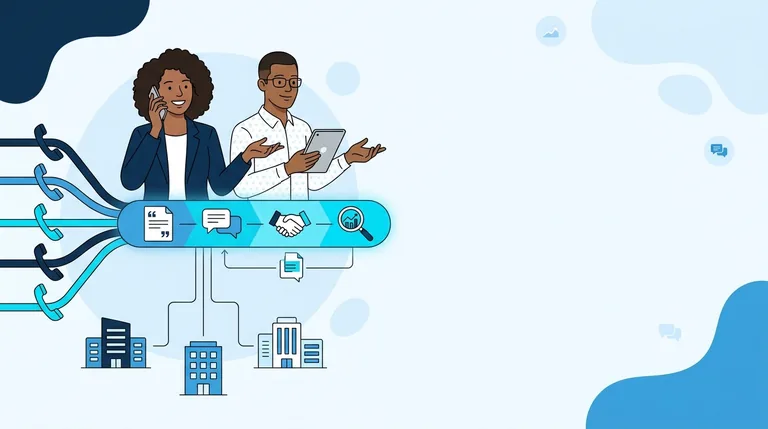

On WhatsApp, who you message matters as much as what you say. A message sent to the wrong person isn’t just wasted: it can end in a block, a report and a charge you paid anyway. That’s why, if your business sells through WhatsApp, choosing a WhatsApp CRM with segmentation that actually works is a marketing decision, not just a software one.
This comparison is for e-commerce and marketing leaders. You’ll get clear criteria for evaluating database import, contact profiling and customer segmentation, what to check in each demo, and how seven well-known tools are positioned. If you’re after a general overview, start with our WhatsApp CRM guide.
Why segmentation decides your WhatsApp campaign results
Three things depend directly on how well you segment:
- Your number’s quality. WhatsApp rates your number’s quality based on how people react to your messages. If many contacts block or report you, the rating drops, and that can limit how many messages you’re allowed to send. A relevant message to a small segment protects your number far better than a generic blast to everyone.
- Opt-outs. Every person who asks to stop receiving messages is a contact you lose on that channel for good. Opt-outs climb when the message has nothing to do with the person receiving it.
- Cost per delivered message. Meta charges per delivered message based on the message category and the customer’s country, with changes in effect since October 1, 2026. If you send to 20,000 contacts when only 3,000 had a reason to buy, you pay for all 20,000. You can estimate your case with the WhatsApp API pricing calculator.
In short: good segmentation lowers your cost per sale and protects the channel. The CRM you choose decides how easy that is to do every week.
Criteria for evaluating a WhatsApp CRM with segmentation
Here are seven criteria worth checking, each with concrete questions for the demo.
1. Database import
Most companies show up with contacts in spreadsheets, in their online store or in another CRM. Import is your first quality filter.
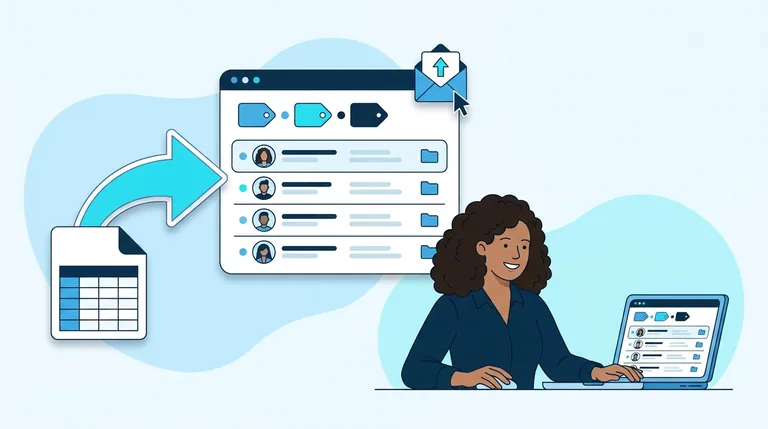
What to check in the demo: which formats it accepts (Excel, CSV, others), whether a wizard lets you map each column to a CRM field, what happens with duplicates (does it update the existing contact or create a new one), how it flags rows with errors and whether there are per-file limits. Also ask whether you can build a segment straight from an import.
2. Contact profiling
A segment is only as good as the data on each record.
What to check in the demo: whether it has tags and custom fields, which field types it supports (text, number, date, yes or no, option list) and, above all, whether the CRM can tag contacts automatically from conversations using chatbots, rules or AI. Manual profiling doesn’t scale when your team handles hundreds of chats a day.
3. Customer segmentation
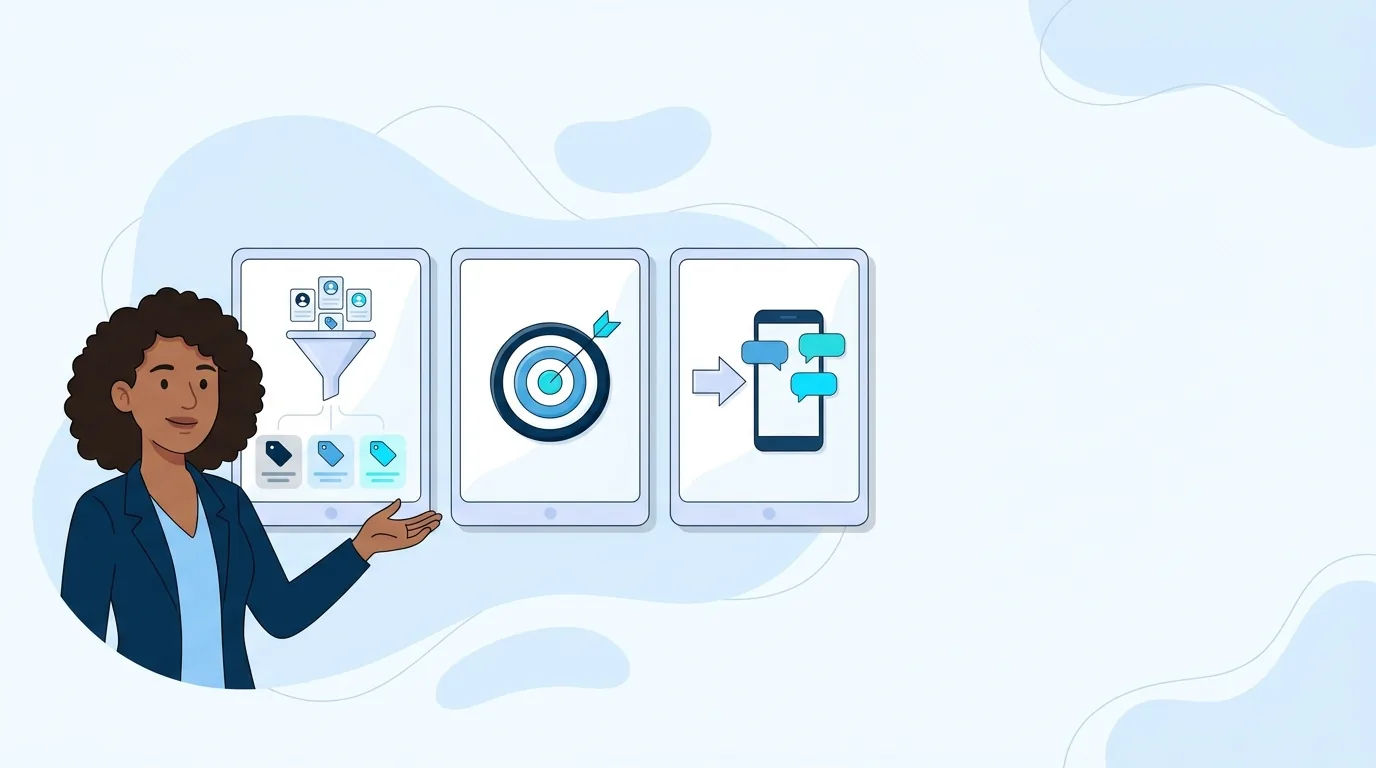
What to check in the demo: which filters exist (tags, agent, date, pipeline stage, custom fields), whether you can combine conditions with AND and OR, whether you can exclude contacts (for example, people who opted out) and whether lists are dynamic (they update themselves) or static (a snapshot in time). Neither is wrong, but it changes your routine: with static lists, you build the segment right before each send.
4. WhatsApp campaigns
What to check in the demo: whether campaigns go out through the official WhatsApp Business API, whether they use Meta-approved message templates, whether you can schedule sends and, critically, whether replies land in a shared inbox your team works from. A campaign that generates 300 replies with nobody to answer them is money down the drain. If this is your first bulk send, read our guide to WhatsApp broadcast messages.
5. Post-campaign automation
What to check in the demo: what happens after the send. Are there flows that answer common questions, automatic follow-ups for people who didn’t reply, and an AI agent that qualifies leads and hands the conversation to a person when needed?
6. Scalability
What to check in the demo: how it performs at your contact volume, whether it supports multiple agents and multiple numbers, how teams are organized and whether there’s an API and webhooks to sync your database with your store or other systems without duplicating data.
7. Campaign reporting
What to check in the demo: whether you can see sent, delivered, read and replied per campaign, and whether you can tie those results to sales: which segment bought the most, not just which one opened the most.
Criteria table
| Criterion | Key demo question | Red flag |
|---|---|---|
| Import | Can I map columns, and how are duplicates handled? | Everything has to be cleaned by hand, or it creates duplicate contacts |
| Profiling | Does tagging happen automatically from conversations? | All profiling depends on the agent |
| Segmentation | Can I combine filters and exclude contacts? | No way to exclude people who opted out |
| Campaigns | Does it use the official API and approved templates? | Sends through an unofficial connection |
| Automation | What happens when the customer replies? | Replies don’t reach a shared inbox |
| Scalability | Multiple agents, multiple numbers, API and webhooks? | Single user or no integrations |
| Reporting | Can I measure results by campaign and by segment? | You only see how many messages went out |
7 WhatsApp CRMs with contact segmentation
We describe each tool by its general focus. Features and pricing change often, so check any import, segmentation or campaign detail against the vendor’s current plan.
1. Mercately
Mercately is an AI-powered conversational CRM for WhatsApp, Instagram and Messenger, built for businesses in Latin America, and an official Meta partner. On segmentation, here’s what it offers according to its help center:
- Excel import with a wizard: you download the template, map your columns, review and confirm. You can tick the option to create a list from the import so the segment is ready to go.
- Profiling: custom fields of type text, number, date, true or false and list, plus tags assigned manually, through import or automatically with MIA, flows and pipelines.
- Customer lists filtered by agents, tags, excluded tags, creation date and pipeline or pipeline stage. Lists save the contacts that matched when you created them, so it’s best to build them right before each send.
- WhatsApp API campaigns with approved templates, with replies landing in the shared inbox through WhatsApp Multi-agent and multi-number support.
- MIA, the AI agent that handles replies and tags contacts based on what they ask.
- REST API and webhooks to connect your database with other systems.
Best for: e-commerce and marketing teams in Latin America running WhatsApp campaigns who want one CRM to import, profile, segment and handle the replies. To see the whole process, here’s how to do it step by step in Mercately.
2. Kommo
Kommo is a sales CRM built around messaging, with visual pipelines where each conversation moves forward as a deal. It suits teams that segment mainly by pipeline stage. Check its plan for import options, filters and WhatsApp bulk sends.
3. HubSpot
HubSpot is a marketing, sales and service suite with contact and list management that’s well developed on the marketing side. WhatsApp is one more channel in its ecosystem. Check its plan for which WhatsApp features are included and at which tier.
4. respond.io
respond.io is an omnichannel conversation management platform with automations and flows for midsize and large teams. Check its plan for segmentation filters and WhatsApp campaign options.
5. Leadsales
Leadsales is a CRM for teams selling through WhatsApp, Instagram and Messenger, with stage-based pipelines, aimed at small businesses in Latin America. Check its plan for how it handles contact import and campaigns.
6. Clientify
Clientify is an all-in-one marketing and sales platform with a CRM and automation. It may appeal if you want email, landing pages and WhatsApp in one place. Check its plan for the scope of its WhatsApp integration for segmented campaigns.
7. Callbell
Callbell is a shared inbox for serving customers on WhatsApp and other channels as a team, with a focus on support. Check its plan for segmentation and bulk messaging features.
Comparison table
| Tool | Import | Segmentation | WhatsApp API campaigns | Best for |
|---|---|---|---|---|
| Mercately | Excel wizard with column mapping and a list created from the import | Lists by agents, tags, excluded tags, creation date and pipeline | Yes, approved templates; official Meta partner | E-commerce and marketing teams in LATAM selling through chat |
| Kommo | Check its plan | Check its plan | Check its plan | Sales teams with messaging pipelines |
| HubSpot | Check its plan | Check its plan | Check its plan | Companies already working in HubSpot |
| respond.io | Check its plan | Check its plan | Check its plan | High volume of omnichannel conversations |
| Leadsales | Check its plan | Check its plan | Check its plan | LATAM small businesses with messaging pipelines |
| Clientify | Check its plan | Check its plan | Check its plan | Small businesses combining marketing and sales |
| Callbell | Check its plan | Check its plan | Check its plan | Support teams using a shared inbox |
How to test segmentation in a demo
Demos usually run on perfect data. Bring your own and try this:
- Bring a real 200-row file. Pull it from your store or your current CRM, problems included: numbers without country codes, empty cells, inconsistent tags. That shows you how the importer copes with real life.
- Add duplicates on purpose. Repeat five contacts with the same phone number and one different detail. See whether the CRM updates them, rejects them or duplicates them.
- Build three segments. For example: recent buyers, interested non-buyers (excluding anyone who opted out) and contacts from one city or store. If you run campaigns per store, our guide to WhatsApp marketing for multiple locations will help.
- Send a test campaign. Send it to a small segment made up of your team, using an approved template. Reply from a phone and watch where the reply shows up, who gets it and which tag ends up on the record.
If you can repeat the whole process afterwards without the sales rep’s help, the tool passes.
Pick the CRM that segments the way your team works
The best segmentation is the one your team can keep up every week: importing without fear of duplicates, tagging from conversations, building a segment in minutes and handling replies in the same place. To see how Mercately does it with your own data, explore Mercately’s CRM, book a demo or create your account and try it free for 15 days, no credit card required. Plans are on the pricing page.