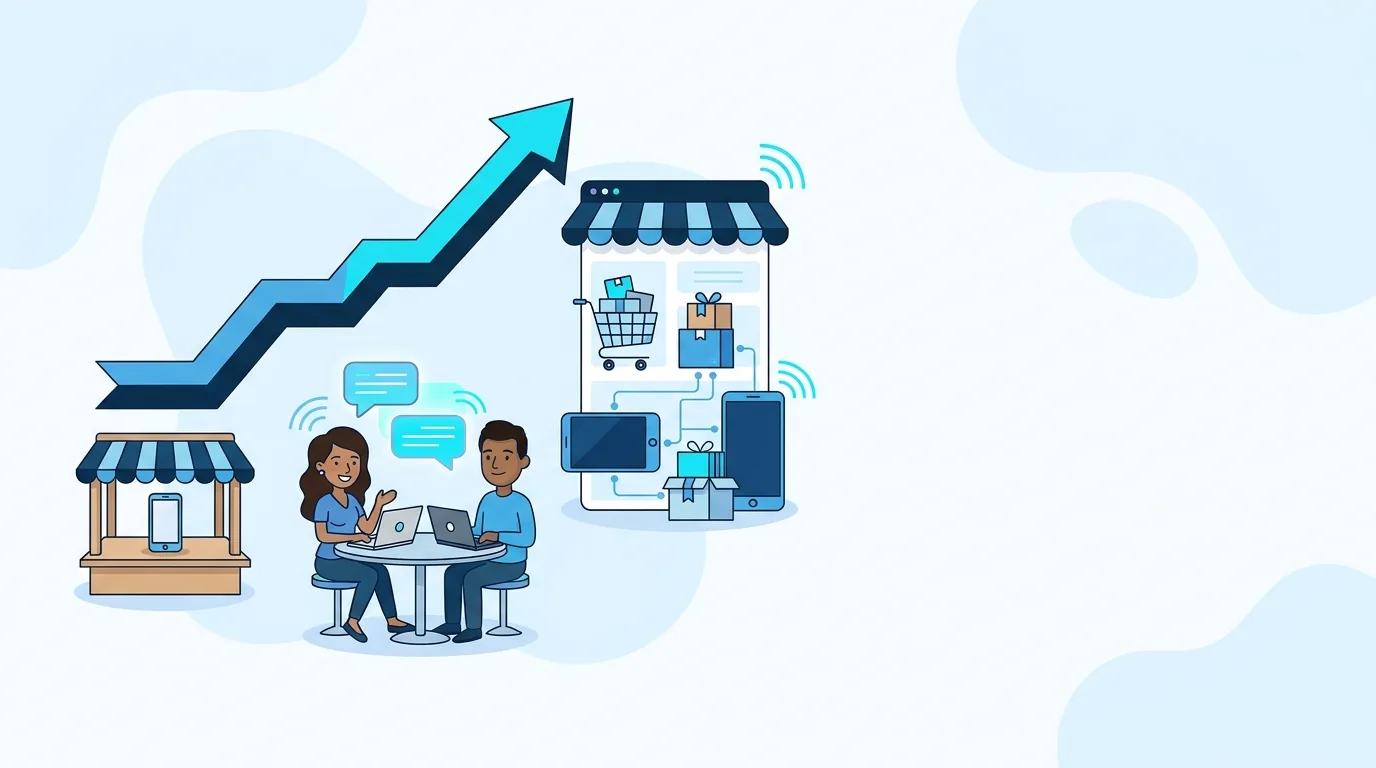

Selling on WhatsApp works beautifully until it doesn’t. At first you answer from your own phone, you know every customer and you close sales in a couple of messages. A few months later three people are answering, nobody remembers who promised which discount, and orders are tracked in a spreadsheet that is always out of date.
A CRM with WhatsApp integration brings order to that growth, but not every store needs the same things at the same time. That is why this comparison is not a general ranking. It is organized by growth stage, so you can see what to prioritize now and which tools fit the way you operate.
If you want a broader look at WhatsApp CRMs for any kind of business, start with our guide to the WhatsApp CRM. This article focuses on online stores.
Why an online store needs more than a chat app
For e-commerce, WhatsApp is not just a support channel. It is where customers ask whether their size is in stock, check shipping costs, send proof of payment and ask where their order is. All of that produces valuable data: what they bought, when, how much they spent and what they are interested in.
When those conversations live on each salesperson’s phone, you lose three things:
- Deals in progress: the customer who asked for a price and never heard back buys somewhere else.
- Context: every agent starts from scratch because they cannot see the history.
- Repeat purchases: you cannot reach past buyers because you do not know who they are.
A CRM built for e-commerce ties the conversation, the order and the customer together. The real question is how much of that you need today.
Stage 1: you are starting to sell on WhatsApp
What it looks like: one person handles chats, you get a few dozen conversations a day and you use the WhatsApp Business app on your phone. Your catalog lives in your online store or in the app’s catalog.
What to prioritize:
- Quick replies for the usual questions: shipping, payment methods, sizes.
- Labels to separate inquiries, orders awaiting payment and returning customers.
- Greeting and away messages for after hours.
- Asking customers for permission to contact them later, even if you are not sending campaigns yet.
Tools that fit: at this stage the WhatsApp Business app is usually enough. Its limits show up when someone else needs to answer from the same number, when you want automation beyond basic replies, or when you want chats connected to your store. For that you need the WhatsApp Business API through a provider authorized by Meta.
Signs you have outgrown this stage: chats left unanswered for more than an hour, or several people passing one phone around.
Stage 2: a small team of 2 to 5 agents
What it looks like: you now have a small sales or support team, volume spikes during campaigns and holidays, and you need to know who is handling each customer.
What to prioritize:
- A connection through the official API. It is what lets several people work from the same number safely.
- A shared inbox for handling many conversations at once, with automatic assignment and chat transfers that keep the full history. Our guide to multiple users on WhatsApp explains how this works.
- Basic sales automation: a WhatsApp chatbot that answers common questions and routes each chat to the right team.
- Customer follow-up: reminders to revisit quotes and simple stages (inquiry, awaiting payment, paid, shipped).
Tools that fit: Mercately covers this stage with WhatsApp Multi-agent, no-code chatbots and a CRM with pipelines and labels. Callbell is also worth a look if your priority is a simple shared inbox, as are Kommo and Leadsales if you prefer working from visual sales pipelines. Whichever you consider, confirm how each tool connects to WhatsApp on the plan you intend to buy.
Stage 3: your store is scaling
What it looks like: you sell on Shopify, WooCommerce or another platform, you have a larger team or several shifts, you run campaigns to your customer base and you need to measure what works.
What to prioritize:
- Catalog and orders synced with your store, so agents can show products and create orders from the chat.
- In-chat payments with payment links from the gateways your customers use.
- An AI agent that works after hours, answers from your catalog and hands the conversation to a person when needed.
- Campaigns with approved templates, segmented by labels, purchases or stage. Our WhatsApp message templates guide has examples.
- Reports on response times, conversion and sales per agent.
- An API and webhooks to connect your ERP, shipping system or other tools.
Tools that fit: Mercately brings these features together in one platform: Shopify and WooCommerce integrations, a synced catalog, orders, PDF quotes, payment links with gateways such as Stripe, Nequi, Daviplata, Bre-B and Payphone, the AI agent MIA, bulk campaigns with templates and a mobile app.
Other options at this stage include respond.io, built for high conversation volume across several channels, and suites such as HubSpot, Zoho CRM or Clientify if your team also needs email marketing and marketing automation in the same tool. In each case, check which e-commerce integrations exist, which plan includes them and how much setup they require.
WhatsApp use cases for e-commerce
These four flows tend to have the biggest impact on an online store. Use them as a test in any demo and ask to see each one running.
Abandoned cart
The customer added products, reached checkout and did not pay. If they left their number and opted in to messages, the CRM can send a reminder with the product and a direct link to complete the purchase. Because it usually goes out after the 24-hour window has closed, you need a template approved by Meta. One well-written message works better than a pushy sequence.
Order confirmation
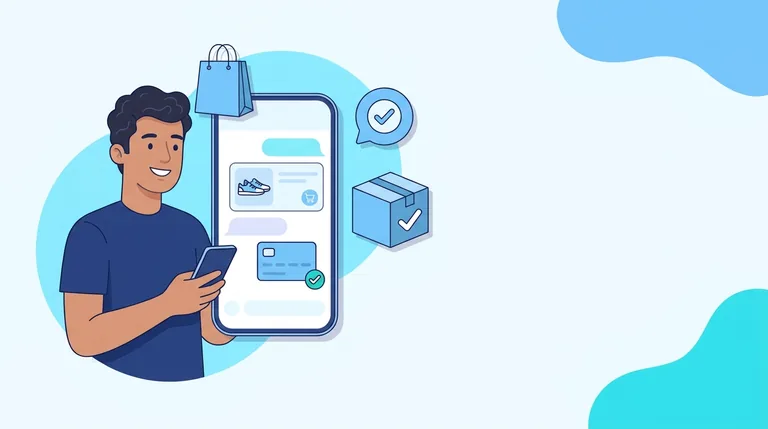
As soon as payment is recorded, the customer gets a confirmation with the order number, a summary and the estimated delivery time, followed by a notice when the order ships. This cuts down the “has my order shipped yet?” messages that swamp your team. These notices use utility templates and can be triggered automatically with sales automation rules.
Post-purchase follow-up
A few days after delivery, check that everything arrived in good shape, share usage or care instructions and ask for a review. If something went wrong, the conversation reaches an agent with the full order history. For ideas on getting the tone right, see our guide to WhatsApp customer follow-up.
Repeat purchase
If you sell products that run out (cosmetics, pet food, supplements), the CRM can remind customers around the time they are likely to need a refill. For occasional purchases, segment by category and only write when you have something relevant: a new arrival, a restock or a promotion for loyal customers.
Comparison table: WhatsApp CRMs for online stores
This table summarizes each tool’s focus. Features and plans change often, so confirm the details on each vendor’s official site before deciding.
| CRM | WhatsApp connection | Multi-agent | E-commerce integration | Best-fit stage |
|---|---|---|---|---|
| Mercately | Official API, official Meta partner | Yes, with auto-assignment and multi-number | Shopify and WooCommerce, catalog, orders, payment links | Stages 2 and 3 |
| Kommo | Check the connection method on your plan | Sales team working from pipelines | Confirm available connectors | Stage 2 |
| Leadsales | Confirm the connection method | Pipelines shared across the team | Confirm connectors and in-chat payments | Stage 2 |
| Callbell | Check the connection method on your plan | Shared inbox | Check available integrations | Stage 2 |
| respond.io | Check the connection method on your plan | Omnichannel inbox for teams | Through integrations, confirm which ones | Stage 3 |
| HubSpot | Check which plan includes it | Team inbox inside the suite | Through its app ecosystem, confirm which ones | Stage 3 |
| Zoho CRM | Check the connection method | Depends on configuration | Through the Zoho ecosystem and integrations | Stage 3 |
| Clientify | Check the connection method on your plan | Check how deep multi-agent support goes | Confirm available connectors | Stages 2 and 3 |
What WhatsApp costs on top of the CRM
When comparing prices, always separate two costs: the CRM subscription and the API messages. Meta charges per delivered message based on the category (marketing, utility, authentication or service) and the customer’s country, with changes in effect since October 1, 2026. That adds up quickly for a store that sends order confirmations, cart reminders and campaigns.
Before choosing, estimate your monthly volume with the WhatsApp API pricing calculator, and ask each vendor whether their plan includes Meta’s message fees.
How to decide
- Identify your stage using the signs in this article: how many people answer chats, how many conversations you get and where your catalog lives.
- Shortlist two or three tools from the table that cover your current stage and the next one, so you are not migrating again in six months.
- Test the four use cases (cart, confirmation, post-purchase and repeat purchase) with real conversations during the trial.
- Work out the total cost using your own message volume.
For a detailed method to score each option, use the evaluation matrix in our guide to choosing a WhatsApp-integrated CRM.
Try Mercately in your store
Mercately is an AI-powered conversational CRM for WhatsApp, Instagram and Messenger, built for SMBs and online stores in Latin America. You can connect your number through the official API, bring in your team, integrate your store and take payments inside the chat. Create your account and try it free for 15 days with no credit card, see the plans or book a demo to see it with your own catalog.